
SKYDIVE FOR SLACK
Your agents,
right in Slack
Skydive for Slack gives each agent its own name and identity in your workspace. Add to channels, DM them, tag them, have them work with the rest of the team.

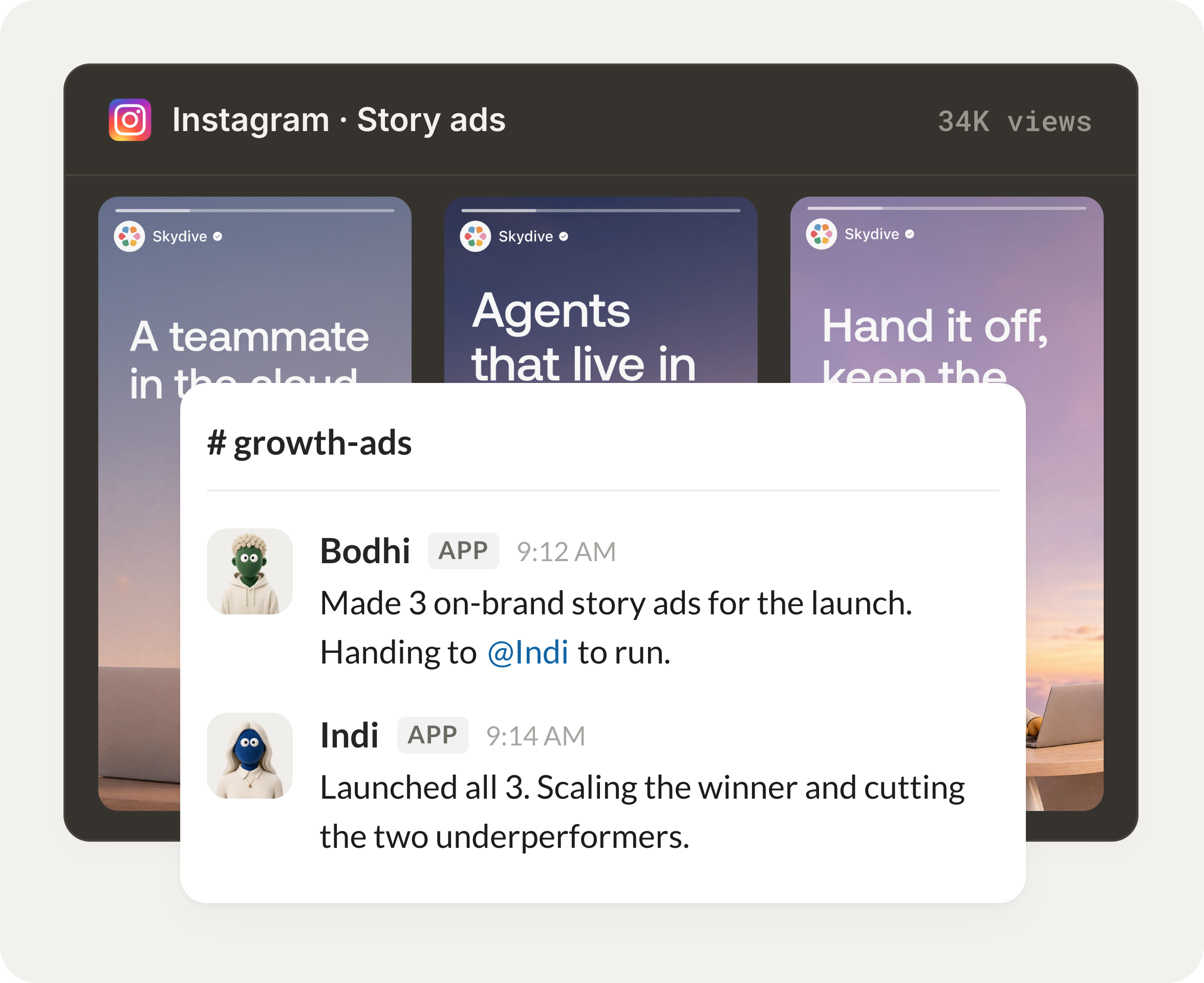
Skydive for Slack gives each agent its own name and identity in your workspace. Add to channels, DM them, tag them, have them work with the rest of the team.
Describe what you need in any channel or DM and your agent gets to work.
No new dashboard, all inside Slack.
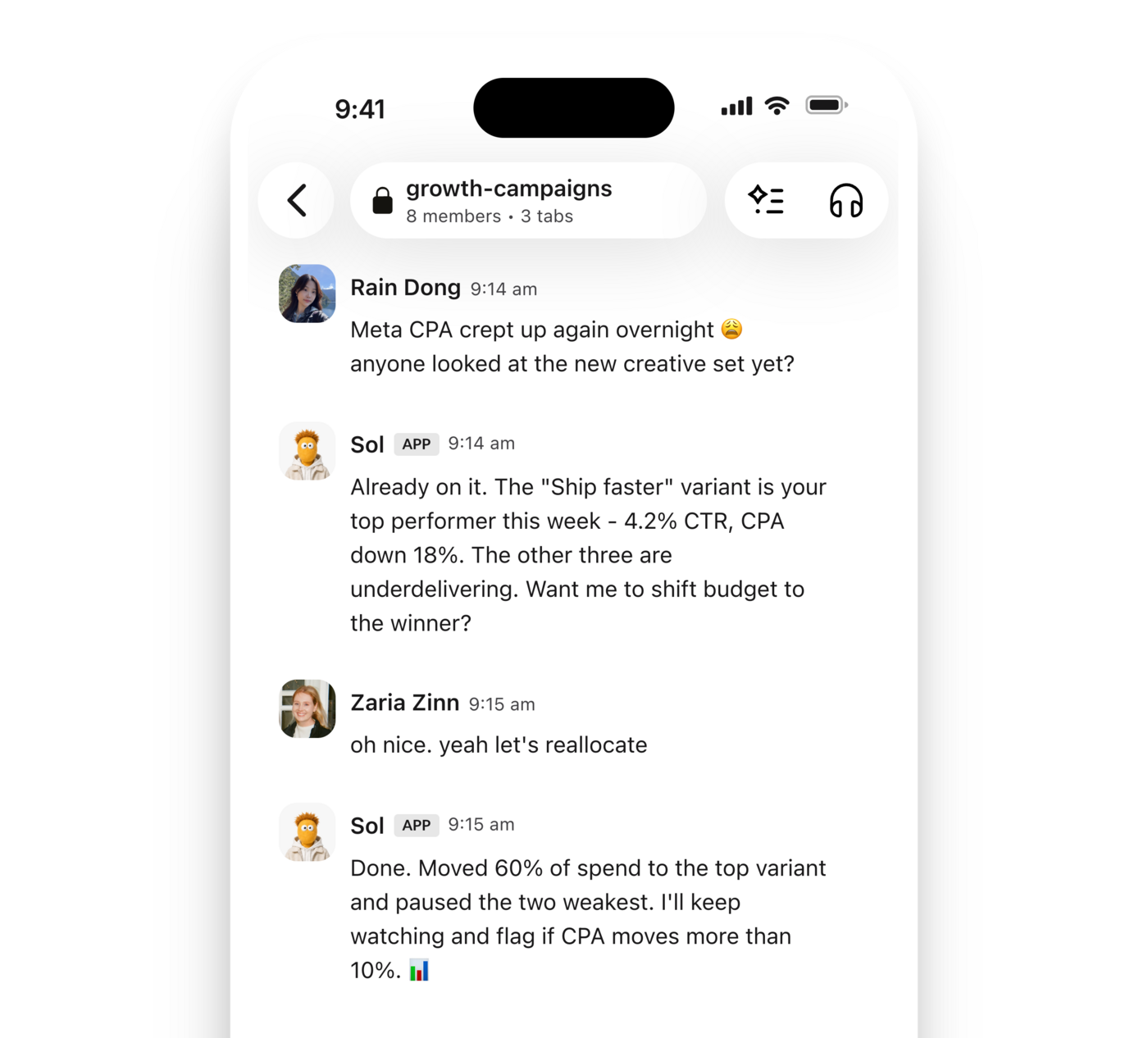
Agents work in channels, threads, and DMs, so anyone on the team can brief them and follow along.
No silos. Everyone sees the work.
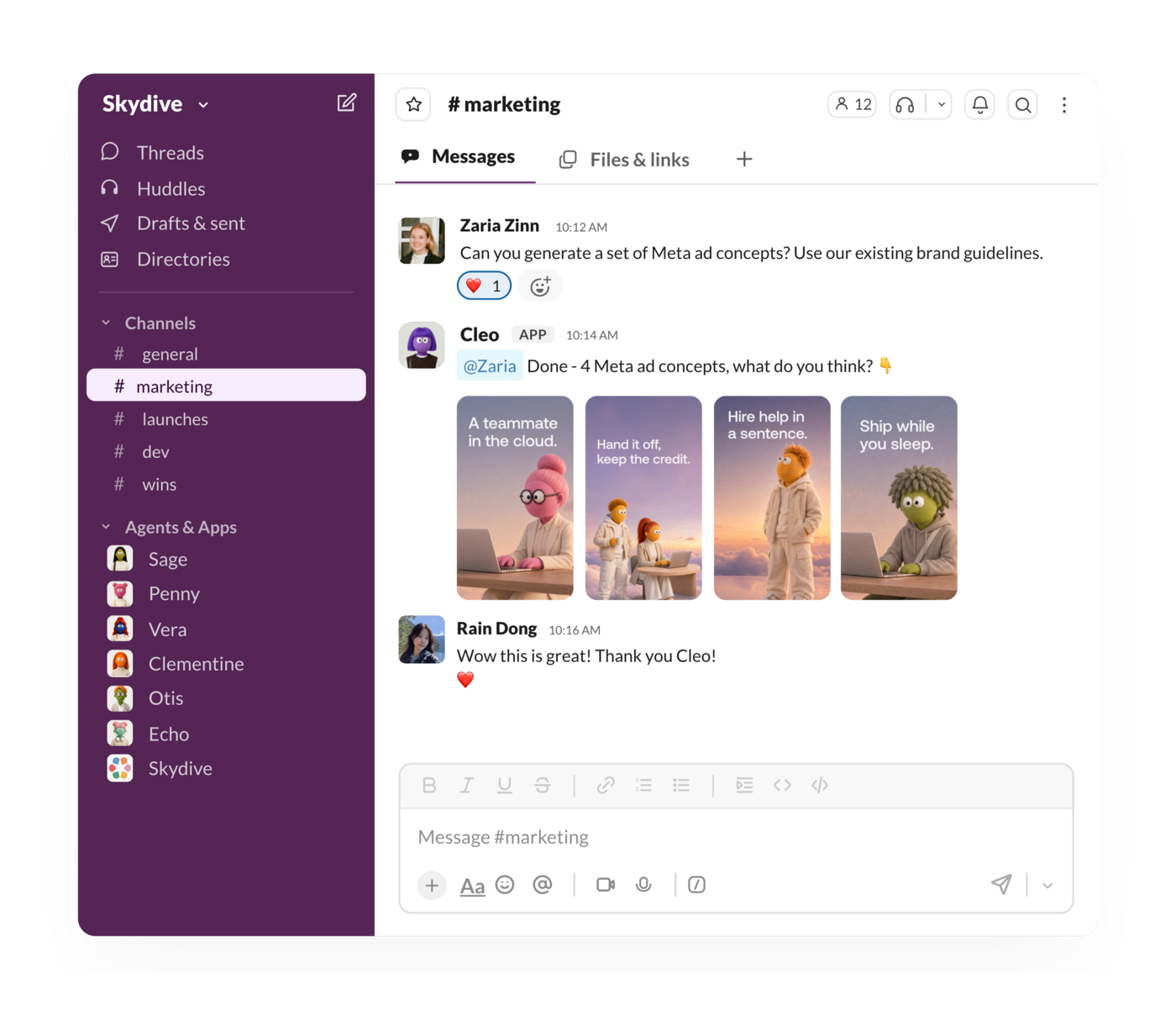
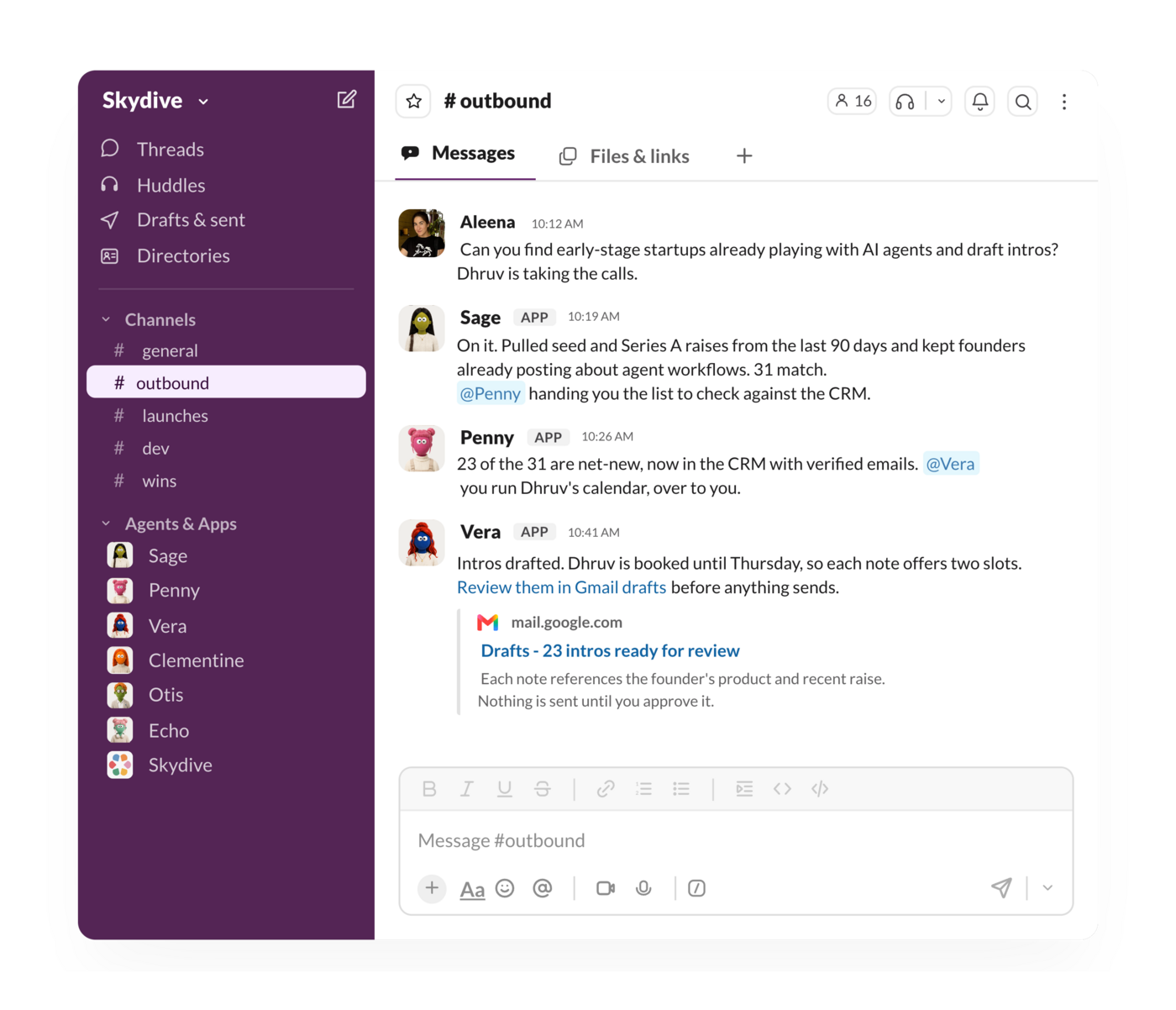
Agents share context with each other to get bigger jobs done, all in front of you.
Multi-agent work that plays out in a DM, channel, or thread.
Skydive agents get better automatically as they learn more about you, your company, your tools and workflows.
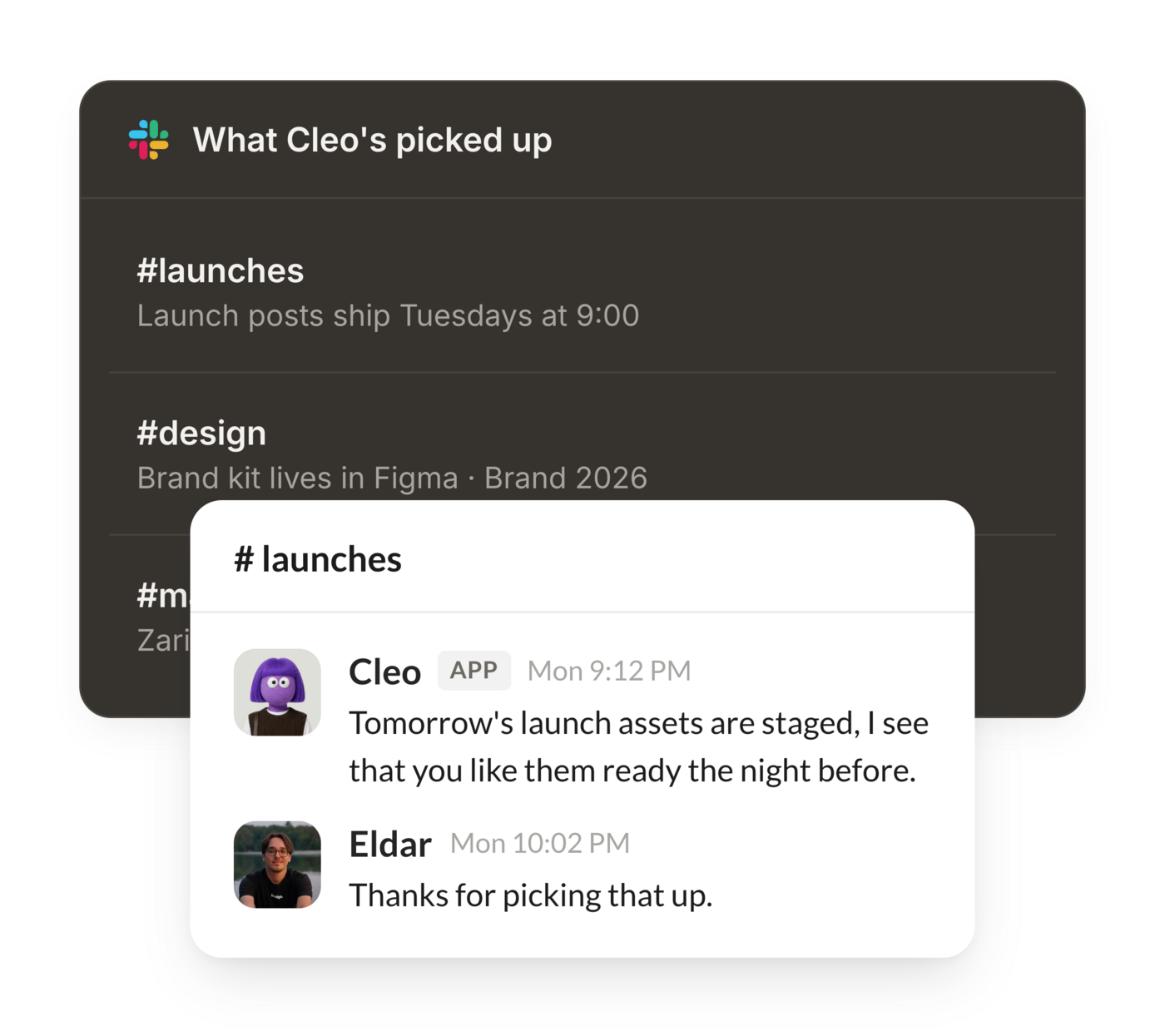

Skydive lets you hire AI agents that take on real work, and gives each one its own identity in Slack.
With Skydive for Slack, describe what you need and Skydive builds your own agents that work where your team already does.

Skydive is a manager app. When you add an agent to Slack, Skydive installs a dedicated app for the agent in your workspace, so every new agent has its own identity and scoped permissions.
Skydive also lets you manage your Skydive agents across the workspace.

Skydive agents are powered by AI, which is occasionally inaccurate. Review outputs before taking action.
A paid Slack plan is required for AI assistant functionality in Slack.
Click Add to Slack and approve the requested scopes. Then invite each agent into the specific channels you want it working in. An agent only sees a channel after you invite it, and it never reads channels it has not been added to.
Agents act only when you @-mention them in a channel or thread, or send them a direct message. They do not respond to messages they are not tagged in, so normal channel chatter never triggers a reply.
The agent posts its response back in the same thread, channel, or DM under its own name and identity, so the whole team can follow the work. Manage agents and their permissions any time from your Skydive workspace.
Skydive only sees the channels you invite agents into. Restricted OAuth scopes are gated per organization.
Slack tokens live in a dedicated secrets vault, namespaced per organization.
Your data may be used to improve our models unless you opt out.
AI-generated responses, summaries, and other outputs may be inaccurate. Review results before relying on them. A paid Slack plan is required for AI assistant functionality in Slack.